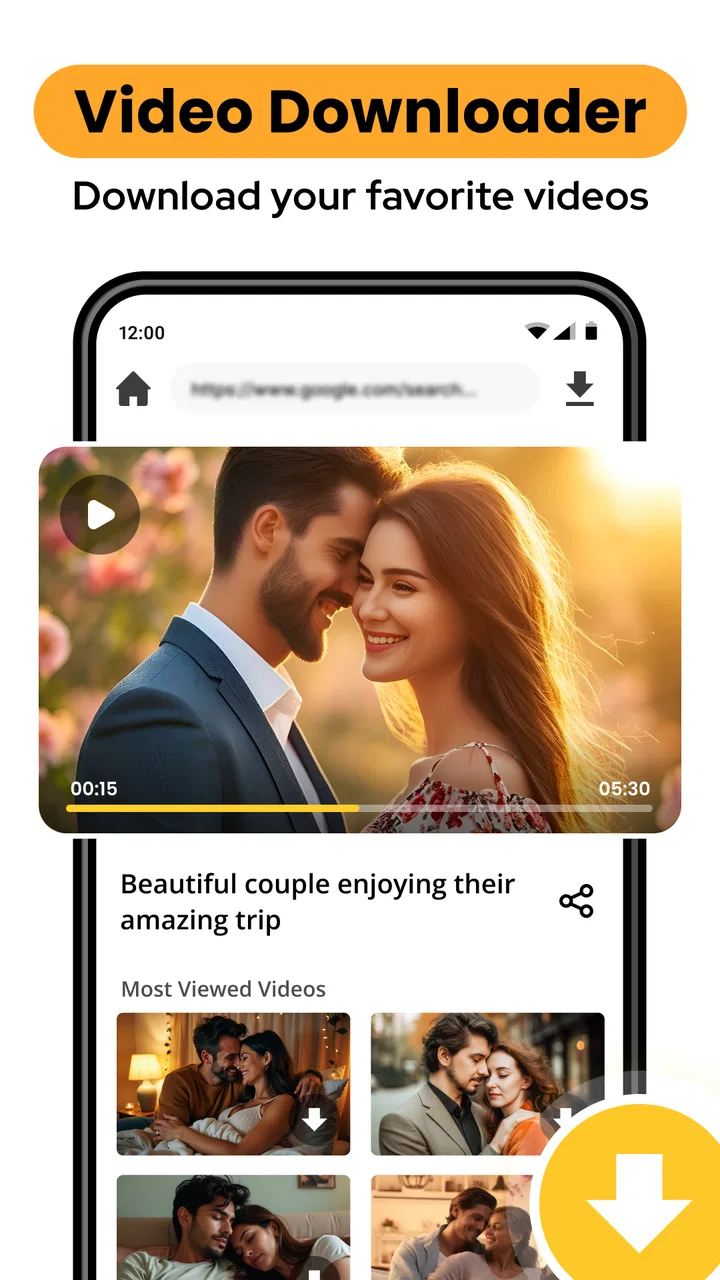
mp4 video downloader
- 4.3
- Rating
- 10.00M
- Installs
- Free
- Price

 Analysis by App-foxy
Downloading a video to watch later sounds simple, but the useful part is usually the workflow around it: finding a compatible source, choosing a sensible quality, keeping the file organized, and knowing whether the result will actually play when you need it. That is where mp4 video downloader aims to help. It is a free Android app from Marcode Developer in the video players and editors category, focused on saving videos in MP4 format rather than acting as a full editing suite or a broad media library.
I see its main appeal in straightforward situations. If I want to keep a permitted video available for a journey, save a clip for offline reference, or move a downloaded file into another player, a dedicated downloader can be more convenient than repeatedly opening a browser page. The app has built a sizeable audience, with over ten million installs and a 4.3 average from around one hundred five thousand ratings. Those figures suggest that the basic idea is useful to many people, although popularity alone does not guarantee that every source or device will behave identically.
How the free download experience fits real use
I find the free entry point most useful when I can test a small, low-stakes download before depending on the app for a full offline collection. That lets me check whether a particular permitted source works and whether the file suits my usual player, without committing much time or storage. With that practical baseline in mind, the next question is how the app’s current release fits into an existing routine.
You May Also Like

 Blood Strike: 2.5 Anniversary
Blood Strike’s Loadouts Turn Every Drop Into a Tactical Gamble
A close look at Blood Strike’s custom loadouts: how fast access to signature weapons reshapes its battle royale rhythm, rewards preparation, and narrows the gap between fights.

 Pandora - Music & Podcasts
Pandora’s Music Is Easy to Start, but Harder to Recover
Pandora’s strength is its low-effort path from a seed to a station. Its weak spot is how much confidence it asks you to place in connection, setup, and quiet recovery.

 8 Ball Pool
 Is Built on Rivalries, Rematches, and Routine
A close look at the rivalries, rematches, shared routines, and unanswered safety questions that turn a quick pool match into a persistent mobile community.

 Samsung Music
’s Quiet Strength Is Playing What You Already Own
Its reach comes less from spectacle than from dependable access to a personal library. That simplicity is both the app’s strongest retention engine and its ceiling.

 AccuWeather: Weather Radar
AccuWeather Review: A Quick, Clear Forecast for Everyday Decisions
For everyday plans, the best forecast is the one you can understand quickly. AccuWeather makes rain timing, radar, and local conditions easy to act on, with a few trade-offs.

 Hill Climb Racing
Why Hill Climb Racing Still Turns Crashes Into One More Run
A tiny car, a bumpy hill and one more upgrade: Hill Climb Racing keeps resurfacing because its simple chaos makes every near-miss feel personal.
More From Our News Desk



A focused tool rather than a complete video platform
The name tells you what to expect: this is an app for downloading MP4 video, with HD video downloading presented as part of its purpose. I would not approach it as a replacement for a streaming subscription, a professional editor, or a cloud storage service. Its role is narrower and, for the right user, that is a strength. A focused interface can make the task less distracting than navigating a general-purpose browser with several unrelated options.
The app is free, so the entry decision is uncomplicated. You do not need to budget for a purchase before trying its basic workflow. That matters for occasional users who only want a local copy now and then. At the same time, “free” should be read as free access, not as a promise that every possible source, quality level, or download situation will work perfectly. The practical value depends on whether the videos you are allowed to save are compatible with the app’s process and whether your phone has enough available storage.
It is also worth separating legal permission from technical ability. I would use a downloader for videos I created, public-domain material, or content whose owner explicitly allows downloading. A tool being able to process a video does not automatically grant permission to copy or redistribute it. That is an important part of using this type of app responsibly, especially when a saved file may later be shared with other people.
What I would do before starting a download
My first practical step would be to decide where the file is going to be used. A short clip for a phone does not need the same quality choice as a video I plan to show on a larger display. HD can look attractive, but a higher-quality file also consumes more storage and may take longer to transfer. If the purpose is simply listening or checking a reference, the largest available option may offer little real benefit.
I would also check free space before beginning a batch of downloads. This is an easy detail to overlook because one file may seem small, while several HD videos can fill a phone quickly. Keeping a simple folder structure is another useful habit. For example, I would separate educational clips, travel material, and personal recordings instead of leaving everything mixed together. That makes the app more valuable over time because the benefit is not only obtaining a file; it is being able to find it again.
After saving a video, I would open it in the player I normally use rather than assuming that a successful download guarantees a perfect playback experience. MP4 is widely supported, but the container alone does not tell me every detail about the video and audio streams inside it. Testing an important file before leaving home is especially sensible. It is frustrating to discover a playback problem only after losing reliable internet access.
A realistic everyday scenario
Imagine I am preparing for a long train journey and have permission to save several short instructional videos for offline reference. I would collect the source links, download only the clips I genuinely expect to watch, and choose a quality level that balances readability with storage. Then I would disconnect from the network and play a sample from the device’s normal gallery or media player. If the sample works, I would be more confident about the rest of the set.
This workflow shows where the app can deliver value without pretending it solves every problem. It can make permitted offline viewing more convenient, but it does not replace planning. The real improvement comes from combining the downloader with sensible file naming, storage checks, and a playback test. Users who expect one tap to handle every source, format detail, and library-management task may find the experience less effortless than the short description suggests.
Where it sits beside familiar alternatives
The usual alternatives are a mobile browser, an official platform’s own offline feature, or a desktop downloader. A browser is more flexible for browsing, but it can be less comfortable when the goal is specifically to save a file and return to it later. An official offline mode is often the cleaner choice when a service provides one, because it keeps downloads inside that service and follows its own access rules. The trade-off is that those files may not behave like ordinary MP4 files that can be opened elsewhere.
A desktop tool may offer more control for people managing a large personal archive, but it adds another device and another transfer step. This Android app makes more sense when the phone is already the destination. It is also easier to justify for occasional personal use than setting up a larger computer-based workflow. On the other hand, someone who needs detailed queue management, extensive format conversion, or consistent handling of many sources should compare it carefully with a more specialized desktop solution.
Useful habits that improve the experience
One non-obvious trade-off is that the highest available quality is not always the best quality. On a small phone screen, a moderate file can be perfectly comfortable while using less storage and data. I would reserve HD for videos where fine text, demonstrations, or visual detail really matters. This approach also makes a batch of downloads less wasteful.
A second useful habit is to treat the download folder as temporary unless I know I will keep the material. After watching a video, I would remove duplicates and outdated copies. Downloaders become frustrating when they quietly turn a phone into an unorganized archive. The app can help me obtain files, but it cannot make personal storage decisions for me.
A third is to test the complete path, not just the download button. I would verify that the file appears where I expect, opens in my preferred player, has usable sound, and remains available after leaving the app. This catches practical issues earlier than simply watching a progress indicator. It is particularly important for a video needed for a presentation, lesson, or trip.
A fourth is to keep source permissions in mind when sharing files. A saved MP4 may be technically easy to send to another person, but that does not mean redistribution is allowed. I would use the app as a personal offline tool, not as a shortcut for republishing someone else’s work. That distinction protects both the creator and the user.
What the current release tells me about compatibility
The current version is 6.0.8, and the stated minimum requirement is Android 8.0. That gives the app a reasonably broad starting point for Android users whose phones are still running that system version or newer. Before installing, I would check the Android version in the device settings, particularly on an older phone that has not received recent system updates.
Compatibility is more than the operating-system requirement, though. The actual experience can vary with the source, network reliability, available storage, and the phone’s media player. I would avoid judging the app from one unusually difficult source or assuming that a successful result with one video guarantees the same result everywhere. A short test download is the sensible way to decide whether it fits a particular routine.
Who is likely to get the most value
I think the strongest audience is someone who wants a simple, free way to keep permitted videos on an Android phone for later viewing. Students reviewing their own course material, travelers preparing content for weak-connectivity situations, and creators saving their own published clips may appreciate the direct focus. It can also suit people who do not want to maintain a computer-based downloading workflow for a handful of files.
The app is less convincing for users who mainly watch subscription content that already includes a polished offline mode. In that case, the official feature may be more convenient and less likely to create file-management work. I would also steer away from it if my priority were editing, trimming, adding captions, or producing a finished video. The app belongs to downloading and playback-related tasks, not to the deeper creative side of video production.
It may also be a poor fit for anyone who expects guaranteed support for every website or protected stream. Online video services change their delivery methods, and some content is intentionally restricted from ordinary downloading. Rather than treating the app as a universal solution, I would consider it a practical utility for compatible, authorized material. That expectation keeps the free price from becoming a source of disappointment.
Age suitability and everyday responsibility
The app carries an Everyone content rating, which makes its general audience positioning broad. That does not remove the need for normal supervision or judgment around the videos being saved. The downloader itself is only one part of the experience; the source material and the way files are shared still matter.
For families, I would focus on storage organization and source selection rather than assuming the rating guarantees that every downloaded video is suitable for every viewer. For shared devices, clear folders and occasional cleanup can prevent personal clips from becoming mixed with school or family material. These small routines are more useful than simply installing the app and leaving all decisions to it.
My value assessment before recommending it
Because access is free, the app’s value is measured mainly in saved time and convenience rather than money recovered from a purchase. If it handles the sources I am permitted to download and produces files that play properly on my phone, it can be worthwhile even for occasional use. The threshold is low: I only need a few successful, useful downloads for it to earn a place on the device.
That value becomes weaker when the task involves many files, advanced organization, or a service with a reliable official offline system. In those cases, the free app may still be usable, but the extra manual checks and file management can outweigh its simplicity. I would not pay for an imagined feature set; I would judge it strictly on the free access it actually offers and on whether it fits my specific workflow.
My final recommendation
My recommendation is positive but specific. I would try mp4 video downloader if I needed a free Android utility for saving authorized videos in MP4 form, especially when the phone itself is where I plan to watch them. Its established user base, 4.3 average rating, and broad install reach make it a reasonable candidate to test, while the Android 8.0 minimum keeps it accessible to many older devices.
I would skip it in favor of an official offline feature when that feature already meets my needs, or choose a more advanced computer-based tool for large archives and detailed conversion work. I would also avoid relying on it for an important trip or presentation until I had tested the complete download-and-playback process. The best reason to install it is practical offline access, not the expectation of unlimited compatibility.
In short, this is a focused free app from Marcode Developer that can be useful when its narrow purpose matches the job. I like the low-risk entry point and the direct emphasis on MP4 downloads, but I would pair it with careful source selection, sensible quality choices, storage discipline, and a quick playback check. For that everyday use case, it offers enough value to try; for users seeking a full video-management or editing environment, it is the wrong tool.
FAQs for mp4 video downloader
01What is MP4 Video Downloader and what can I use it for?
MP4 Video Downloader is an application designed to help users save compatible online videos in MP4 format for later viewing. After testing its main features, I found it most useful for organizing personal video files and watching content when an internet connection is unavailable. Its exact capabilities depend on the platform, supported websites, and the permissions granted during installation.
02Is MP4 Video Downloader safe to install and use?
The app should be downloaded only from an official store or a trusted developer source, since similarly named downloader applications may contain intrusive advertising or unwanted software. Before installing, review the developer information, permissions, privacy policy, and recent user reviews. Avoid modified APK files, and remember that no downloader can guarantee complete protection if you visit unsafe websites or download unknown files.
03Can MP4 Video Downloader download videos from any website?
No, MP4 Video Downloader should not be expected to work with every website or video service. Many platforms use encryption, authentication, regional restrictions, or technical protections that prevent downloading. During normal use, results can also vary depending on the video format and source page. The app should be used only with supported services and content you are legally allowed to save.
04Is downloading videos with this app legal?
The legality of downloading depends on the video’s copyright status, the website’s terms of service, and the laws in your country. Saving your own videos, public-domain material, or content explicitly offered for offline use is generally safer. Downloading copyrighted videos without permission, bypassing restrictions, or redistributing saved files may violate applicable laws and platform rules, so users should check these conditions first.
05Where are downloaded MP4 videos saved, and can I watch them offline?
Downloaded files are normally stored in the application’s selected folder, the device’s Downloads directory, or another location chosen through the app’s storage settings. On Android, you may need to grant file or media access before saving content. Once a download finishes successfully, the MP4 file can usually be played offline with a compatible video player, although some devices may require additional codec support.
Pros
- Downloads videos for offline viewing without needing a constant connection.
- Supports MP4 format
- offering broad compatibility with phones and media players.
- Simple interface makes saving videos quick for first-time users.
- Can help reduce mobile data use when videos are watched offline.
- Useful for creating a personal collection of legally permitted videos.
Cons
- Downloading copyrighted videos may violate copyright or platform terms.
- Some websites may block downloads or stop working after updates.
- Free versions may include frequent ads or intrusive promotional screens.
- Large video files can quickly consume storage space on your device.
- Download speed may depend heavily on the source website and connection.

mp4 video downloader
Gallery